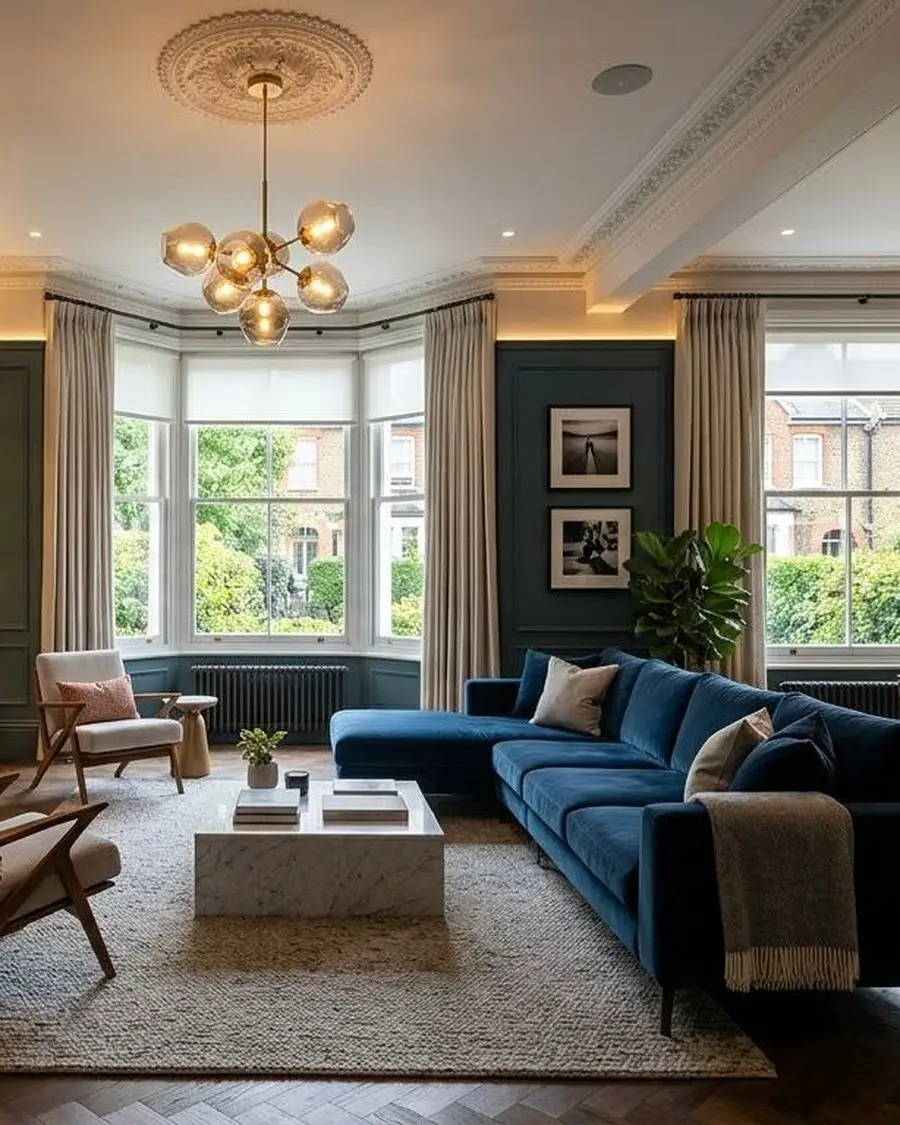
Good lighting control is the part of a system people notice most and think about least. Press one button and the room is ready, whether that is breakfast, dinner or a film.
Scenes, not switches
A typical living room might have downlights, wall lights, lamps, joinery lighting and a feature pendant. Instead of a bank of switches, each is set to the right level and saved as a scene: Morning, Dinner, Relax, Film, Off.
Scenes are set on site with you, in the room, at the time of day they will be used. That is how a lighting scheme ends up looking the way it did in the design.
Designed with the interior
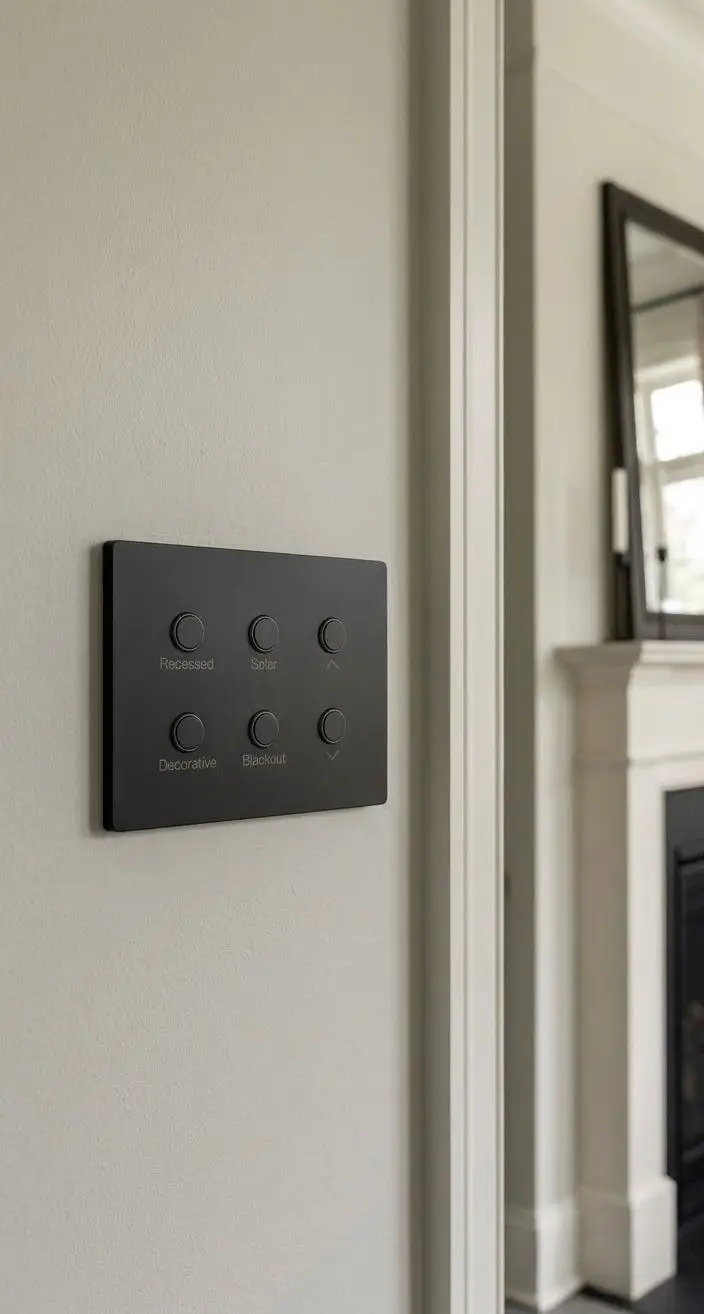
Because we design interiors as well as systems, lighting control is planned against the furniture layout, the joinery and the materials. Circuits are grouped so that each scene works, and keypads are positioned where people actually reach for them.
- Engraved keypads in finishes chosen to suit the room.
- Smooth dimming for LED, including feature and joinery lighting.
- Automatic timings for gardens, hallways and security lighting.
- Lighting linked to blinds, music and the cinema room.
- Whole-house Off at the front door and beside the bed.
Wired or wireless
In a renovation or new build, a wired system such as Lutron HomeWorks gives the most flexibility. In a finished home, wireless systems such as Lutron RA3 can replace existing switches with very little disruption. We will recommend the right approach after the survey.
Questions we are asked
Can lighting control be added without rewiring?
In many cases, yes. Wireless dimmers and keypads replace existing switches and work with the existing cables.
Will it work with our LED fittings?
We check every fitting and driver during design so dimming is smooth and flicker-free.
Can we still use normal switches?
Yes. Every keypad works like a switch, and you can also use the app, voice control or timers.
Who sets the scenes?
We do, with you, on site. We then adjust them during aftercare once you have lived with them.
Related